Paid advertising
How to improve lead quality from Facebook and Instagram lead ads
Practical settings and follow-up steps that reduce junk leads from Meta instant forms without killing lead volume.
By Nexbrave Solutions team. Published . 6 minute read.
Meta lead ads are popular because they make it easy to respond: the form opens inside Facebook or Instagram and fills in the person's details automatically. That ease is also the problem. People submit forms by accident, out of curiosity or without reading what they are agreeing to.
These changes usually improve lead quality. Each one may reduce volume slightly, which is usually a good trade.
1. Use the higher intent form type
Meta's higher intent form adds a review step before submission, so people confirm their details. It reduces accidental submissions.
2. Add qualifying questions
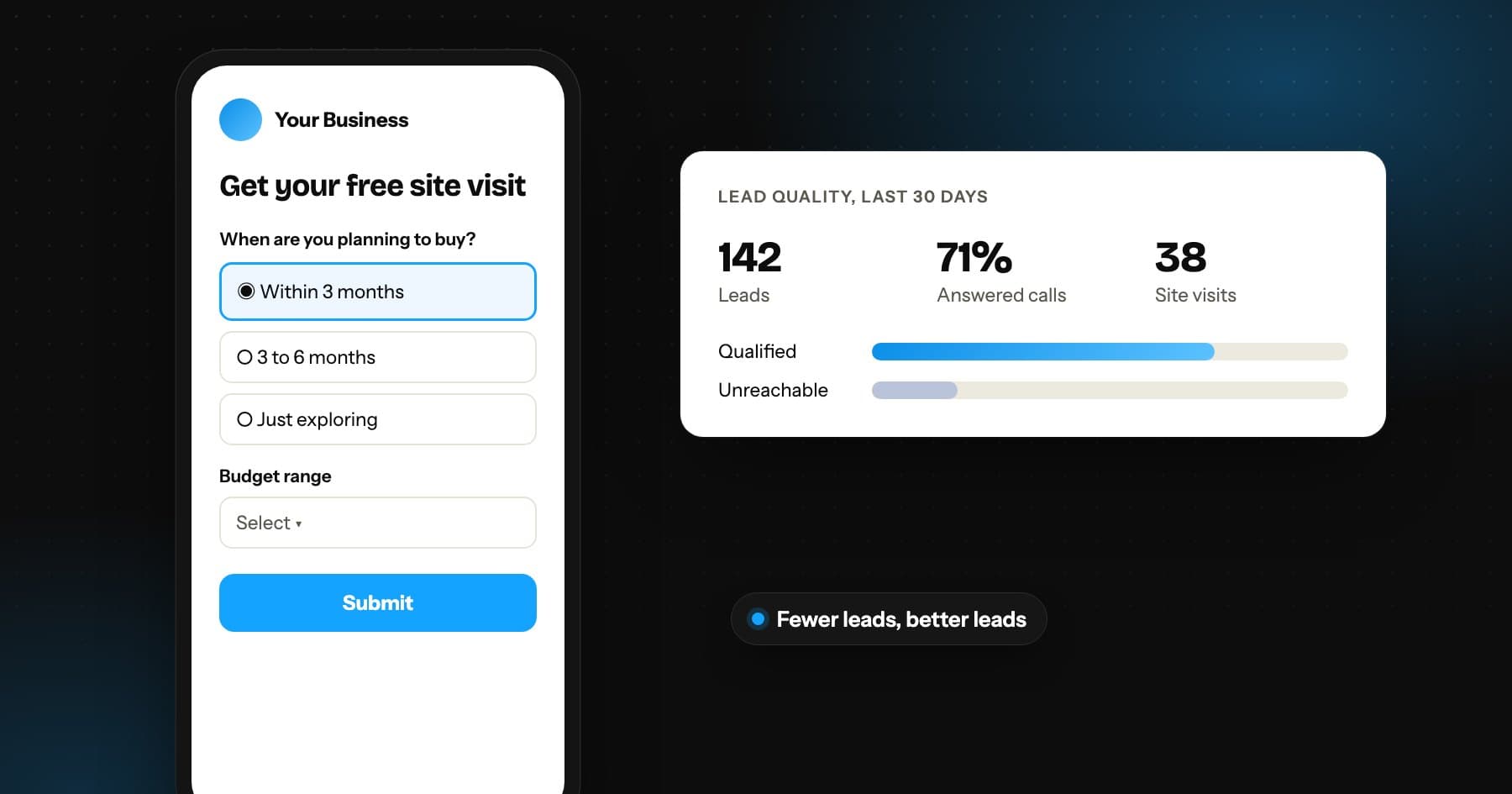
Ask one or two questions that only serious prospects can answer: budget range, preferred location, timeline or the specific service needed. Use multiple choice to keep it quick, and avoid making every question optional.
3. Make the offer specific
'Get more information' attracts browsers. 'Book a free site visit this weekend' or 'Get a quote for a 3 kW rooftop system' attracts people who are closer to deciding.
4. Respond within minutes
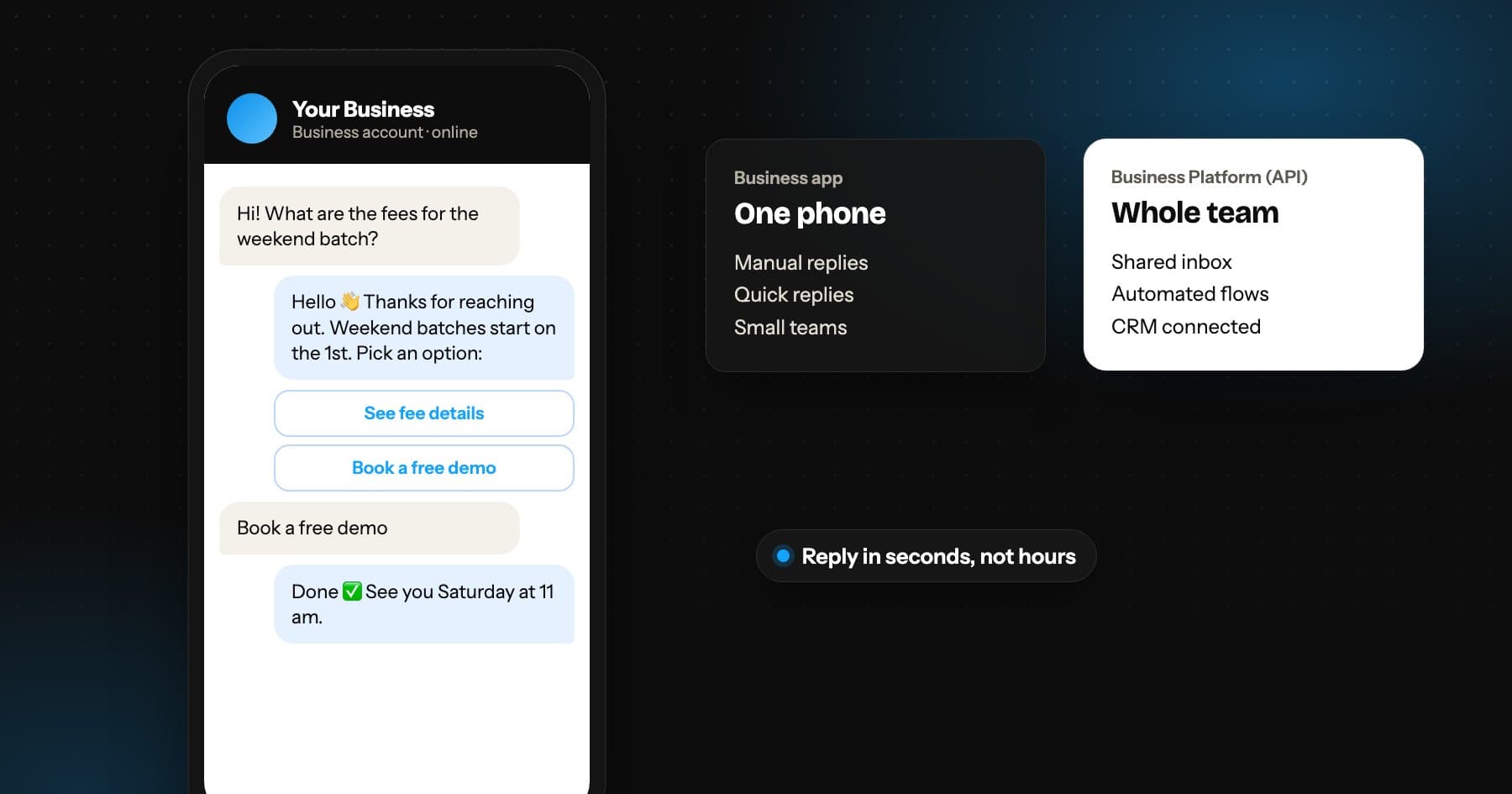
Lead quality and response speed are linked. A lead contacted within minutes still remembers filling in the form. Connect your forms to instant WhatsApp or email follow-up and send alerts to the sales team.
5. Send quality signals back to Meta
If you mark which leads became qualified or customers and send those events back through Meta's Conversions API, the system can learn to find more people like them.
6. Judge campaigns on qualified leads
Track cost per qualified lead or cost per customer, not just cost per lead. A campaign with a higher cost per lead can be the better campaign if more of those leads buy.