Local SEO
Google Business Profile checklist for local businesses in India
A practical checklist for setting up and maintaining a Google Business Profile that shows up in Maps and 'near me' searches, including service-area businesses.
By Nexbrave Solutions team. Published . 7 minute read.
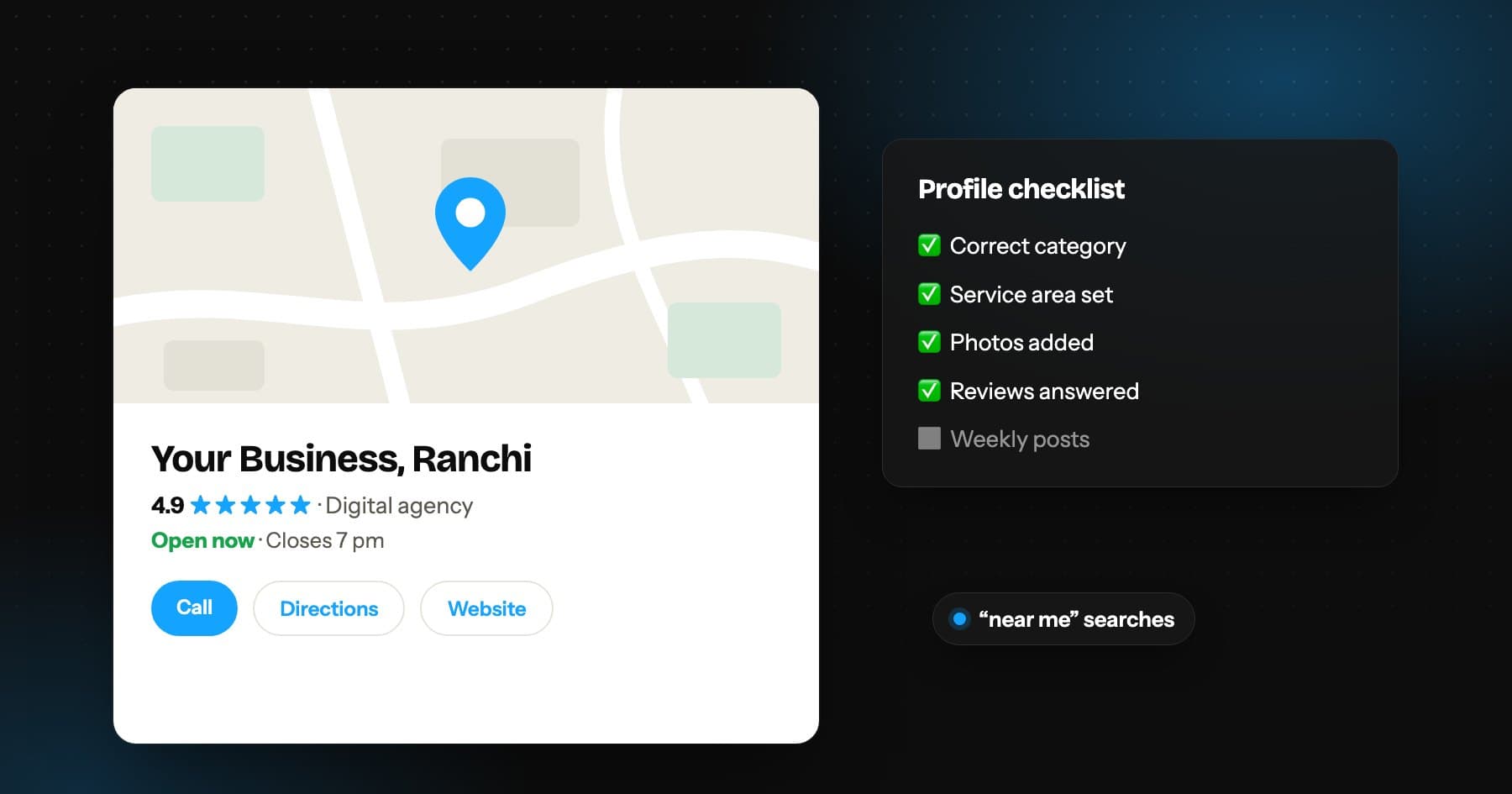
For many local businesses, the Google Business Profile does more selling than the website. It is what appears in the map results when someone searches for a clinic, a coaching centre or a repair service nearby, and it is where people check your hours, photos and reviews before they call.
This checklist covers what to set up once, what to keep updating, and the mistakes that most often hold profiles back.
Set up the foundations correctly
- Claim and verify the profile with an email address the business controls, not a staff member's personal account.
- Use your real business name exactly as it appears on your signboard and documents. Adding keywords or city names to the name breaks Google's guidelines and can get the profile suspended.
- Choose the most specific primary category available, then add secondary categories only for services you genuinely provide.
- If customers visit you, show your address. If you travel to customers and have no storefront, hide the address and list your service areas instead.
- Add a phone number that is answered during business hours, and your website link.
Complete every relevant field
Profiles with complete information give Google more to match against searches, and give customers fewer reasons to look elsewhere.
- Opening hours, including special hours for festivals and holidays
- Services or products, each with a short description
- Attributes such as wheelchair access, online appointments or women-led
- A business description that explains what you do in plain language
- Booking or appointment link, if you take bookings online
Photos that help people decide
Upload real photos: the entrance so people can find you, the inside, your team at work and your products or results. Stock images add little. Keep adding new photos every month so the profile looks active.
Build a steady review habit
Review count and recency both matter to customers comparing businesses. The best approach is simple: ask every satisfied customer, every time, and make it easy.
- Create a short review link from your profile and save it as a WhatsApp quick reply
- Print a QR code for the counter or reception
- Reply to every review, positive or negative, calmly and briefly
- Never buy reviews or offer discounts in exchange for positive ones
Keep it active every month
Use Google posts for offers, events and updates. Answer questions in the Q&A section before someone else answers them incorrectly. Check that your hours and phone number are still correct, especially after any change.
Make your website support the profile
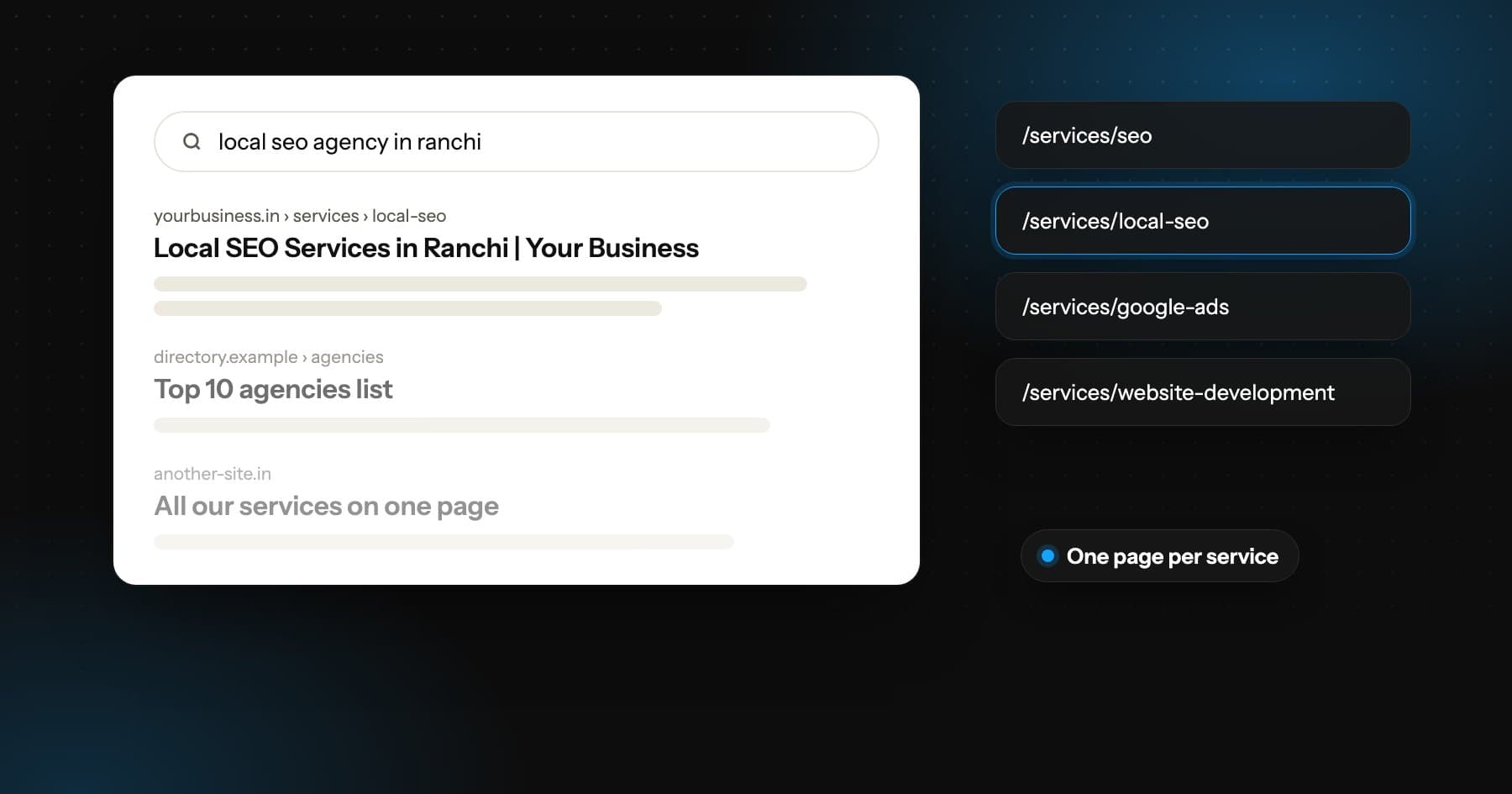
Your website should show the same business name, phone number and service area as the profile, and link to it. A page for each main service gives Google more confidence about what you offer. Consistency across your website, profile and directory listings is one of the simplest local signals to get right.
Quick monthly routine
- Add three to five new photos
- Publish at least two posts
- Reply to all new reviews
- Check hours, phone and services are still accurate
- Review the profile's performance insights for calls and direction requests